Thursday, April 15, 2021

KatiesWish Top 10 Downloaded Freebies

I have been cleaning up and sorting through some old files and I came across all my digital kits I used to make. I am surprised at how many people still download all the free files I created. A special thanks to all of my readers!! I will be cleaning off my computer and adding some more digital kits for free. 

Click on the links to download each of the files from Mediafire. Photos are not linked to the downloadable files.

Here is the top 10 downloaded kits from KatiesWish in no particular order:

1. Winter Freebie available to Download from Mediafire HERE.


2. North Star Overlay Download from Mediafire HERE.


3. International Scrapbook Day 2013 Freebie Download from Mediafire HERE.


4. Old Paris backgrounds download from Mediafire HERE


6. Summer Trellis Download from Mediafire HERE


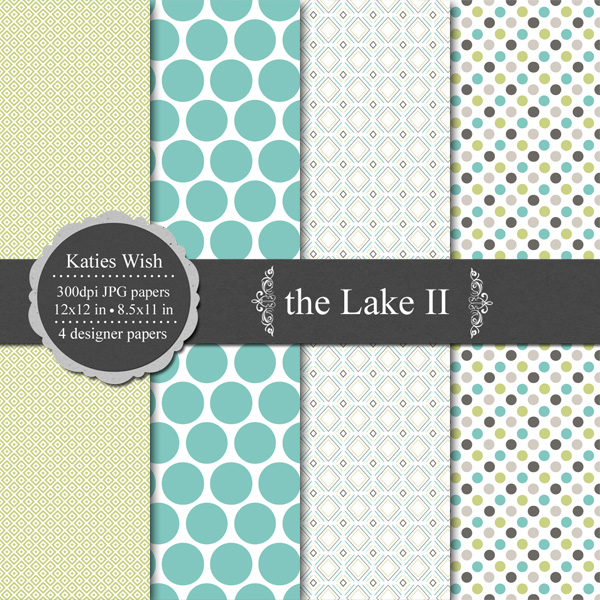
7. The Lake II  Download from Mediafire HERE


Saturday, November 29, 2014

Free Digital Chalkboard Backgrounds

Sale Announcement: 2014 Black Friday / Cyber Monday sale in my Etsy Shop 50% off all kits from November 28th through to December 5th.

I've had the following blackboard/chalkboard backgrounds in my stash for a couple of years. They are a go to digital supply and one of my favorite design  resources. You are welcome to use these in any of your commercial projects or just for your personal use. I included a useful variety - one PNG framed chalkboard, five 12x12 inch 300dpi backgrounds, and two 18x24 inch 300dpi backgrounds. I've created everything from little web ads to 18x24 poster prints using this set of backgrounds.
Hope you enjoy creating with these! Download them from mediafire HERE

https://www.mediafire.com/?xu2adzxp88a7bmd


Wednesday, November 26, 2014

Chalkboard Holiday Tags Freebie and Holiday freebie kit roundup

I thought I would do a holiday freebie roundup plus a new set of freebies for this holiday season.

First up is a set of printable Chalkboard Holiday Tags. Preview picture is linked to the PDF download on MediaFire.
https://www.mediafire.com/?t7a92ouc3tm91ty

You can also download the chalkboard tags in jpeg format here

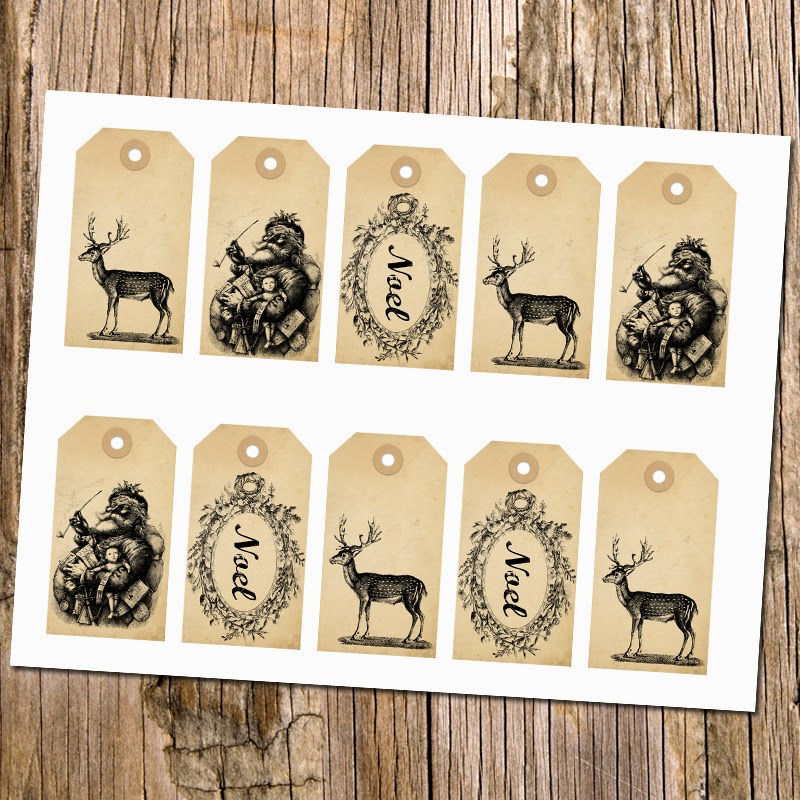
Here is the older set of holiday labels on vintage backgrounds. Download the PDF here.
https://www.mediafire.com/?7h22gclnc8pirru


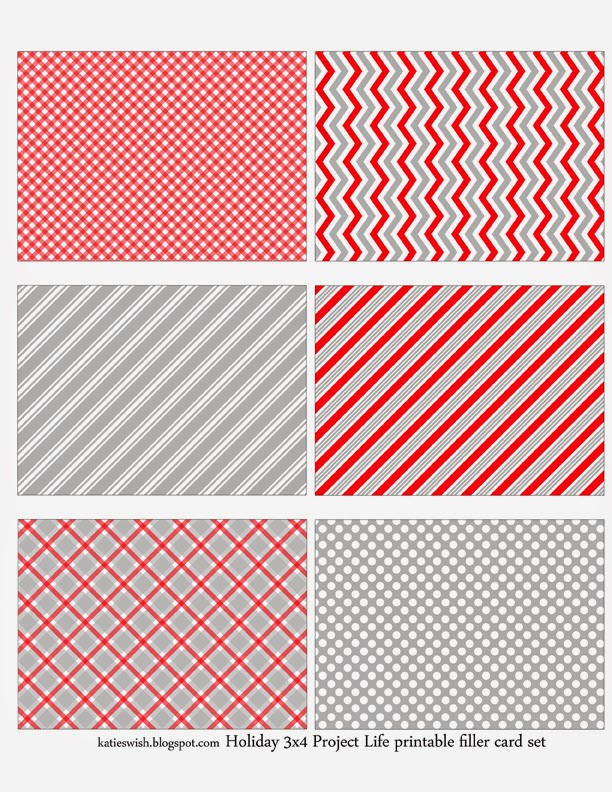
Now for some of my past holiday free goodies. Lots of December Daily printable cards for all of you who love to scrap using project life or use other pocket pages. The December Daily card previews are linked to the pdf files. I've added a couple of 4x6 title and filler cards sets to match.

3x4 Journal Cards

http://www.mediafire.com/view/geakzur7z1w6i22/kw_ddaily3x4journal01.pdf 

3x4 Filler Cards 
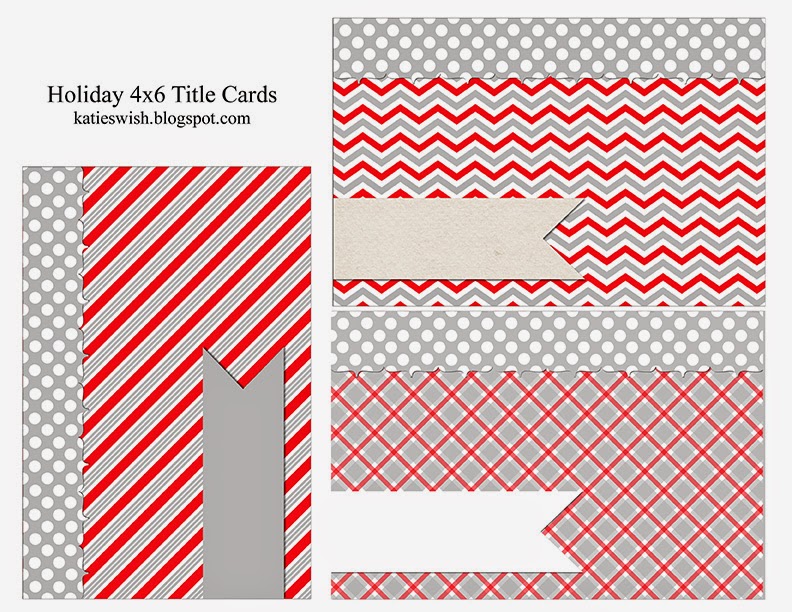
4x6 Title Cards


The following are new for 2014 matching 4x6 title cards
http://www.mediafire.com/view/aki1ifnw19x4e8d/kw_ddaily4x6title02.pdf

 And new matching 4x6 filler cards

https://www.mediafire.com/?4lvedl71r7jx994


Here are some links to old posts where you can download some more holiday freebies:

http://katieswish.blogspot.ca/2011/12/star-overlay-freebie.html

http://katieswish.blogspot.ca/2011/11/winter-is-coming.html


http://katieswish.blogspot.ca/2011/11/dear-santaive-been-good.html

Happy Holiday crafting everyone. I'll be back with a couple of new freebies throughout the weekend. 
Please let me know of any broken links!


Monday, December 2, 2013

Recoloring PNG overlays in Photoshop

Here is the first in a series of tutorials to recolor png/psd transparent overlays. Other tutorials will follow for programs such as GIMP, Word, and Elements users.
There will be a free overlay with each tutorial. Click HERE to download todays free PNG transparent overlay. It is commercial use friendly.
Once I have my transparent png open in Photoshop I like to go to Image>Mode and choose the color mode I would like to work with (RGB for printing on my home printer or CMYK for printing at my local Staples). Then I save my file with a new name so that I will always have my original overlay without any changes.
The next step is to choose the foreground color for the snowflakes. With the overlay layer selected go to Layer>New Fill Layer>Solid Color. Check off "Use Previous Layer to Create Clipping Mask" and then OK (If you forget to check the box choose the color layer then Layer>Create Clipping Mask). Now your snowflakes should be the foreground color on a transparent background. Now we will color the background. With the overlay layer selected, create a new layer. Drag this new layer to the bottom of the stack. Choose a color for the background and use the bucket tool to fill the layer. Save your file and you are done!

This is just one way to recolor the overlays. Get creative with adding texture layers to the snowflakes, or background, or both. With this layer "sandwich" you can quickly create a series of different colored snowflakes by simply using your bucket tool to fill the color layers any color or texture you want. You can get extra creative by playing around with the layer blending modes too.
Tutorial Summary:

1. Image>Mode>RGB Color
2. Choose color for the pattern
3. Layer>New Fill Layer>Solid Color  check "Use Previous Layer to Create Clipping Mask">OK
4. Layer>New> Layer (uncheck "Use Previous Layer to Create Clipping Mask")
5. Drag newest layer to the bottom of the layer stack
6. Choose color to background layer
7. Use Paint Bucket to fill the background layer
8. Save

Enjoy creating!

Saturday, November 2, 2013

Happy Digital Scrapbooking Day

Happy international Digital Scrapbooking Day everyone! To celebrate international Digital Scrapbooking Day I have a new freebie for everyone and a sale in my etsy shop KatiesWish for 40% off from November 2nd 2013 through to November 15th 2013.
Over the next few days I will be posting some new tutorials on how to use my digital overlays in several different programs from Photoshop to GIMP. I've had lots of questions on how to recolor or use the transparent overlays. A free overlay will be available for download with each tutorial post.
First a free 12x12 digital paper kit to celebrate iDSD. Commercial Use allowed but please do not redistribute as is. Download the free Faux Bois kit here from Mediafire. Enjoy!

Thursday, July 25, 2013

Thinking inside the box

A Christmas in July sale wouldn't feel right without a few free gifts. I've been collecting lots of boxes lately...cereal boxes (we love our cereals), frozen pizza boxes, waffle boxes, and cracker boxes. When you cut these boxes apart...they each have their own krafty goodness inside them. After scanning them and cropping them in Photoshop they make great textured backgrounds. A few other papers were added...and a couple of pictures of the wood shed too. I then combined a few of my chevron overlays and these cardboard textures to create another free set for you. All are for personal or commercial use. But I couldn't stop there. My daughter and I have been playing around with paints lately...her current favorite paints are watercolors. Lots of watercolor experiments have been happening around here. I made some drip, splatter, and spritzed Photoshop brushes to go along with these kraft backgrounds. I just love this look! My daughter had lots of fun spritzing her papers too. The brushes were created in PS CS6 and tested in Elements 11. They are all 2500px or less. I also included most of the brushes in black transparent PNG format (24 pngs in total). The preview only shows a few of the brushes in this set. All are high quality created at 300dpi for print. Enough of the technical stuff and on to the free gifts!

Download the free texture backgrounds HERE from Mediafire


Download the free Krafty Chevron backgrounds HERE from Mediafire


Download the free Photoshop Ink Brushes HERE from Mediafire


Hope you enjoy creating with these as much as I had making them. Please do not redistribute as is...work them into your own projects.


Saturday, May 4, 2013

iNSD Freebie Kit

Happy iNSD everyone! All kits in my etsy shop are 40% off until midnight EST May 6th.
It wouldn't be iNSD without some free stuff so I created a set of free digital papers. Some have a little texture...some not. Download the kit from mediafire HERE.


Thursday, April 25, 2013

Instant Downloads now on Etsy!

Lots of changes have been happening on Etsy for us digital designers in the past year. Crafthub.me started their instant download service last summer and now Etsy has their own. Personally I am sticking with the reliable Crafthub.me. so...

Here's a little how-to:
All of my kits for sale in my Etsy shop are now instant downloads through the Crafthub.me service. Once your payment is confirmed through paypal an email with a link to your personal download page is sent to you.

The lovely folks over at Crafthub.me have created a great tutorial on how to download your crafthub purchase:
http://www.crafthubme.blogspot.ca/2013/03/how-to-download-your-crafthub-purchase.html
If you don't receive your link within a few minutes of your purchase and you cannot access your order via the links below...please contact me. Sometimes the email will go to your spam/junk folder, so be sure to check there first.
Can't find the email...or did you forget to download your files right away? You can always try here:
http://etsy.crafthub.me/orders/

or here:
http://katieswish.crafthub.me/login

Have your Etsy email address and the order number associated with your purchase handy because you will need to enter that information.

What to do if your link has expired or you need a new link:
Please contact me via your etsy invoice(s)!

If the link you have was sent to you manually by me...and/or you downloaded the file with one computer...but now you want to download it to another computer (or laptop/ipad ect) you will need to contact me via etsy convo or email to have your link reset. The links will be locked to the first device that you downloaded the zip file to.

Lost all your files when your hard-drive died? I can resend you your link(s). Please contact me via your etsy invoice(s) for the fastest service. Sometimes it can take me a couple of days to get a new link out to you. If you are in a rush...and need them instantly, you will need to repurchase the kit(s). Sorry no refunds on these if you are in a rush and cannot wait for me to get back to you.

Happy creating!


Saturday, April 20, 2013

Spring Sale and freebie journal cards

Spring was in the air here last week...but today we got snow! In the hope that spring will return I have created a set of spring floral journal cards. I have them in PDF, 8.5x11 inch jpg sheet,  and for those that are digital scrappers as individual png cards too. When printing either the PDF sheet or the jpg 8.5x11 sheet be sure to print it at 100% in order to fit your photo pocket pages. There are a few extra cards in the png set as a little bonus for the digi scrappers.

My 35% off Spring sale in my etsy shop will run until midnight EST April 30th 2013.

For personal use only please. Links to download the free cards are below the preview photos. 


Click HERE to download the 3x4 cards as a PDF

Click HERE to download the 4x6 cards as PDF

Click HERE to download the 3x4 cards on a 8.5x11 inch jpg sheet

Click HERE to download the 4x6 cards on a 8.5x11 inch jpg sheet

Click HERE to download the whole set in PNG format

I would love to see any layouts you create with these. Enjoy creating!

Saturday, December 8, 2012

More Free Project Life Cards

As promised another printable sheet of Project Life cards. This time they are 4x6 title cards. I've kept them simple. I have mostly single days where we did lots of stuff...and I am not likely to do a full week on a 12x12 page. Keeping the title cards simple with space for adding the date or week just made sense to me. I have a couple of my layouts almost complete and will share as soon as they are done.


Hope you enjoy and happy holiday crafting!

Thursday, December 6, 2012

Holiday Sale

This space has been so neglected lately! I've been busy switching over my shop to instant downloads, making some new kits, and new printables.
I will be having a holiday sale in my etsy shop from December 8th to December 18th with everything in my shop at 50% off.
To start the holidays off I have some free printables. Here is the first of many. Some project life 3x4 sized journal  cards and filler cards.


Print and cut out the cards to add to your project life weekly album.
Enjoy creating!

Monday, July 9, 2012

Positive thoughts & sale announcement

Thinking positive thoughts today...and passing them on to you. Here is a kit of 12 positive printables in two sizes 8.5"x11" and 12"x12". PNG and TIF transparent overlay template is included for you to create your own color combinations. All are commercial use for commercial use.

Finally...it's time for Etsy's annual Christmas in July Sale! All kits in my etsy shop will be on sale July 12 through to July 22.

Download something positive HERE from mediafire.com


 Enjoy creating!

Wednesday, May 9, 2012

Free Blogger Tile Background

In search of inspiration for my new blog design, I came across this pattern:

So simple and yet I think it is stunning. Just had to make it. It's also a nice change from the typical pinstripe backgrounds.
I have spent very little time online this past winter...and was feeling totally lost as to how to even write a blog post! Searching for some blogger tutorials I came across this site Simple Blogger Tutorials. Though most of the tutorials are for adding code to customize your blog, some show simple steps for using the bloggers Template Designer. Before altering your blog...be sure to save it!!
Here are the steps to add one of the tiles to your own blog: Download and unzip the backgrounds below, log into your Blogger Template Designer, Click on Background, click on Background Image little down arrow, Upload image, Browse to find the tile on your PC or Mac and start uploading your image ( I am using the Simple template in the template options). Under Alignment, choose Tile. I have also checked off Scroll with page, but this is does not need to be checked off for a tiling pattern. Here's a screen shot:


The freebie is a low resolution repeating/tiling pattern in several colors at 96dpi. I included the low res photoshop .pat file too. There is also a transparent png file included for customizing your own colors for this. For personal or commercial use. Please don't resell as is though! Download the zip file from mediafire.
Here is a preview of most of the patterns included:


Each tile in the set is only 36px by 22px...super tiny so that it loads super fast! The preview shows the pattern used as a fill. Like the pattern on my blog today? Right click and view the background image...that super tiny image is an exampe of the tiles found in the download.
Look for the high resolution printable version of this later this week.
Oh...while on the subject of blog backgrounds, here are two of my favorite sites for blog design freebies....I'm sure most of you have heard of them...but just in case:
Pugly Pixel
fuzzimo

Tuesday, May 8, 2012

Giveaway winner!

Congratulations goes to Leslie! Please contact me via etsy convo or email to collect your prize!

Busy creating some new stuff for my etsy shop...in between cleaning out the dead plants from last years vegetable garden, and doing the regular spring cleaning.  Here's a little photo of my crafting corner all neat, tidy, and ready for crafting! It never looks this clean.

 And a sneak peak at whats to come. I think I have finally figured out the best way to scan, extract, and convert my doodles into digital format. Too many failed experiments, including re-doodling using a finer marker. Here is a doodle project in the works, almost ready to convert to digital format!

Tomorrow will be a busy work day for me...lots of doodles have been scanned ready to convert to some sort of digital format for playing with in Photoshop. I am hoping that this next doodled woodgrain will turn out nice...we'll see.


Wednesday, May 2, 2012

iNSD weekend Giveaway

 A little note...this post is mostly geared to those that are interested in getting started in personal digital scrapbooking. Looking for the contest giveaway? Skip to the end of the post!

I am a little sad that I will be missing out on iNSD (inter National Scrapbooking Day) this weekend. We are heading up north for the weekend...and will likely not have an internet connection.

There will be some great freebies and sales to be had this weekend for iNSD. Persnickety Prints has a roundup of a bunch of the digital deals going on. The Daily Digi usually has a list of great deals too.

iNSD weekend is a great time to get started in digital scrapbooking. There are lots of high quality freebies and super discounts. It can be hard getting started though...as the learning curve is high if you've never used a program that uses layers before. I get lots of questions from customers about how to get started. I started a pinterest list of tutorials. My Digi Scrap Tutorials board has lots of links to some great tutorials found on the web.

Here are a few more tips on getting started:

1. Find your scrapping style.
This way you don't waste money, time, and harddrive space on stuff you won't use. Here are some links to free, open, digital scrapbooking online galleries.
My Scrapbook Art Gallery
The Daily Digi's Flicker Pool Digital Scrapbooking Inspiration

Open means that you can post layouts that contain digital supplies from any and all sources. There are also "closed" galleries belonging to digi scrap stores where you can only use digital items from their store designers...or a minimum amount (say 50%) from their designers on the layouts you share in the gallery.
Find some layouts that you really love and you will get an idea of the type of kits you will want to get started. I love pinterest for this part...you can get an idea of my personal style here. One warning...it's a large mish mash of a pin board!!

2. Read through the Daily Digi's Digital Scrapbooking Manual

3. Pick a program that has the ability to utilize transparent layers. It is very easy to find tutorials for using Photoshop Elements, and I suggest using this as your starting program...but up to you if you would like to give something else a try. Most programs have a free trial.

4. Download a few free kits and start learning how to use that program! Find a tutorial for creating your first page (link is for an Elements tutorial). This is the hardest part...learning how to use layers...ect. I am still learning new things years later btw.

5. Start a shopping list! This is where the open galleries come in handy. A list of the digital products used in each layout are added to the layouts description in these online galleries. (You will need to learn how to do this later if you wish to share your finished layouts in an online public gallery like one of the ones listed above.)

6. I am totally in love with The Daily Digi monthly membership. The Digi File members get over $50 of digital scrapbooking supplies, layout ideas, techniques, tutorials, and exclusive collections for only $7.50 per month.  Usually you get at least 7 full kits per month, plus extra goodies each month. There is a variety of different kit/designer styles each month too. The following is my personal affiliate link:


 (for those that don't like affiliate links....go here to signup or find out more)

7. Sometimes...try as you might...it may be too time consuming to get layouts done. Or the learning curve is just too great. There are also kits out there that contain what are called Quick Pages...or QP for short. A quick page is a finished scrapbooking layout...with a cutout area for you to plop your photo(s) into. Some designers will have a whole set of matching quick pages so that you can create an entire album in a very short amount of time. 
Here is a tutorial on how to use a Quick Page in PSE from the Designer Digitals site.

8. Starting something new can be overwhelming at first...take your time...go at your own pace...drink your tea (or other calming beverage of choice), and most of all have fun. Oh..and you might want to join a forum. The Digital Scrapbook Place has a Beginners Learning Digital Scrapbooking forum. There are hundreds of forums out there for you to find...simply do a google search for "digital scrapbook forum".

9. Need more help? There are also online classes that you can take. The JessicaSprague site has some great classes. Again...hundreds of online classes can be found by doing a google search for these. I suggest asking in the forums about a particular class first to be sure is it at the level you are looking for.

And last but not least is my iNSD giveway. 

It's been a while since my last contest/giveaway...but here it goes. Contest is open to all...One grand prize of digital kits worth $30 from my etsy shop are up for grabs. To enter once...add a little reply to this post ( a simple "hello" will do). To enter a second time you can do one of the following:

2. Pin your favorite product from my etsy shop and reply below with the link
3. Reply with a list of 3 of your favorites from my etsy shop
4. Reply with a link to something you've made using one of my kits (does not need to be 100% made with my digi products...Even a little snippet that you printed, cut and pasted to a card).

Contest closes at midnight EST May 7th 2012. Winner will be chosen at random...and announced May 8th. Good luck to everyone!

Sunday, January 29, 2012

New Year, New Projects...

Happy (belated) New Year everyone!
I've been busy with a few new projects. Making some new years resolutions...and getting these new ideas put into motion.
Some new things happening:
  • I am now a team leader of the Digital Designers of Etsy team along with a few other lovely ladies. We are working hard on some new challenges, giveaways, and freebies for this year. 
  • I created a desktop wallpaper for the January challenge. You can vote for your favourite wallpaper...plus download all the lovely entries from the teams Facebook page. Voting ends January 31st!
  • I've been busy scanning in some more of my antique papers, photos, and postcards to share with all of you.
  • Plans are in the works for a new blog - and possibly a new (second) etsy shop later in the year. All to make room for some of my handmade items.
My newest freebie for the new year that you can download via mediafire. Free for personal and comercial use.

Wednesday, December 21, 2011

Star Overlay Freebie

Santa will be using the North Star soon to navigate the world in his magic sleigh. Here is a png star overlay for use in your own creations. It is provided in jpg and tiff formats as well as in white too. A quick way to recolor the black stars in the jpeg format in photoshop (or elements) is to add a color filled layer on top of the stars and set the color layer to screen. Download the overlays via mediafire HERE. For small commercial use and personal use. Enjoy creating!

P.S. I fixed the link to the previous chevron freebie. It can be downloaded HERE in case you were sent elsewhere last week!

Tuesday, December 20, 2011

something for the new year

I came across my ombre inspiration board while cleaning up my crafting space last week. Thought I'd do some ombre chevrons. I love the combination! Download the free kit from mediafire HERE. For small commercial use and personal use.

Sunday, December 11, 2011

And the winner is...

Congratulations goes to comment number 4 by Carly @ Mason's Roost! You are the winner of the 5 free kits. Please contact me with your wishlist and I will send you your links.

I'm looking forward to the Christmas Holidays. I hope I'll have time to get all of my new kits listed by the New Year...we'll see. I always find it a challenge to pick a dozen papers for a kit...there's almost always two dozen or more that I narrow down to a designers dozen. You can usually find a bonus sheet or two in all of my kits. I have several folders of extra's that don't make it into my kits for sale...but sometimes make it here as freebie mini kits. Today is a little different though...an exclusive mini kit that I am creating for personal use...it will be released in two or three parts as I create it. My daughter has been singing Twinkle, twinkle, little star all the time lately. I captured the singing in a cute picture that needs a special layout. I'll be sharing the finished layout at the end too. Here is the first part, a set of 4 papers that you can download from mediafire.


Our December projects are started...but not as far along as we'd hoped. We are short at least one peice of tile for our fireplace surround...and some trim for the mantel. I'll share the before and after pictures hopefully before santa arrives. We need to get those stockings hung!! Only a couple of weeks left. You can check out my inspiration pinterest board for our mantel. Off to finish a couple of sewing projects from my to do list. The play mat MUST get done!!

Monday, December 5, 2011

New designs and a Holiday Giveaway!

See the end of this post for GIVEWAY details.
Finally back to work creating some new kits after a short break. I've been working with some ledger papers recently. It's been lots of fun combining the ledgers with different patterns. The free Ledger  kit is designed for personal use or scrap for hire use. Full terms of use can be found in the dowload file. Download the free Ledger kit from mediafire. Preview pic is not linked to the download.
And now for the GIVEAWAY details: Prize: 5 FREE kits of your choice. To enter simply reply to this post. For a second entry reply with the titles of your favorite kit from my etsy shop. One winner will be chosen Saturday December 10th at midnight EST via random.org